
 listicle
Best Card Dealer Inventory Software 2026: Top Picks
Table of Contents
- Quick Comparison: Best Card Dealer Inventory Software 2026
- Card Show Vendor: Built for Event-Day Card Dealers
- Slabfy: Sports Card Inventory Management App for Dealers
- Zoho Inventory: Affordable Multi-Channel Stock Tracking
- Lightspeed Retail: High-SKU POS and Inventory Control
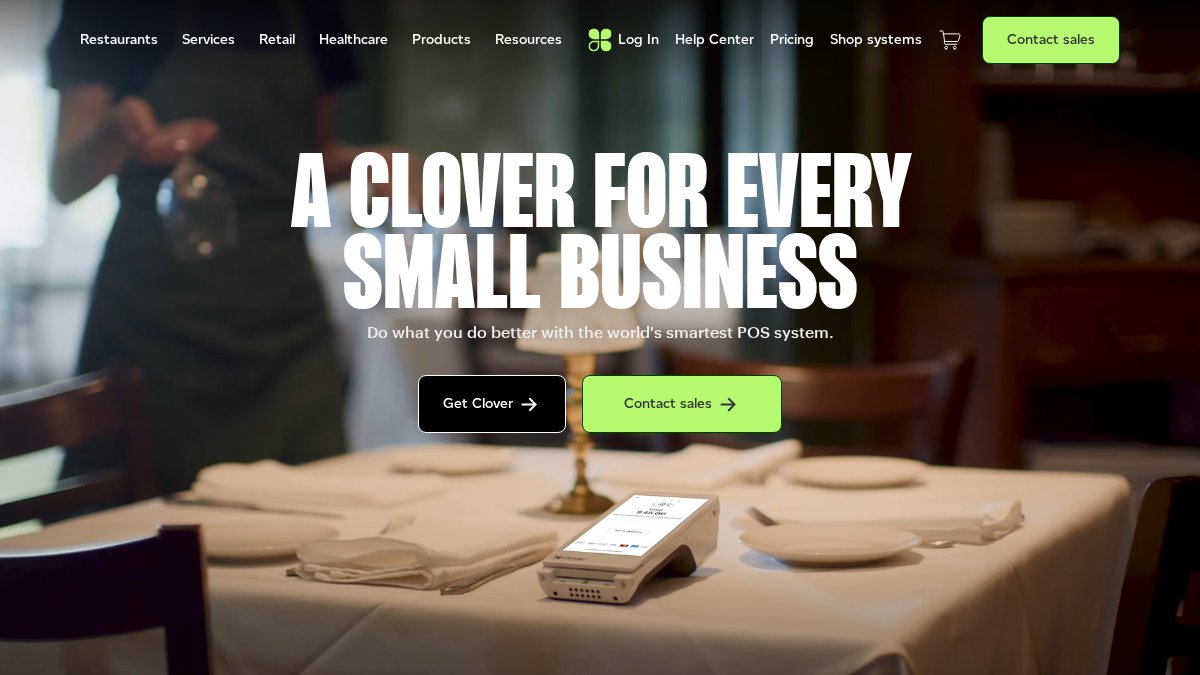
- Clover Retail: Hardware-Backed Inventory for Small Shops
- Sports Card Profit and Loss Tracking: What to Look For
- Multi-User Inventory Management for Card Shows: Team Features
- Frequently Asked Questions
Last Updated: September 30, 2026
Quick Comparison: Best Card Dealer Inventory Software 2026
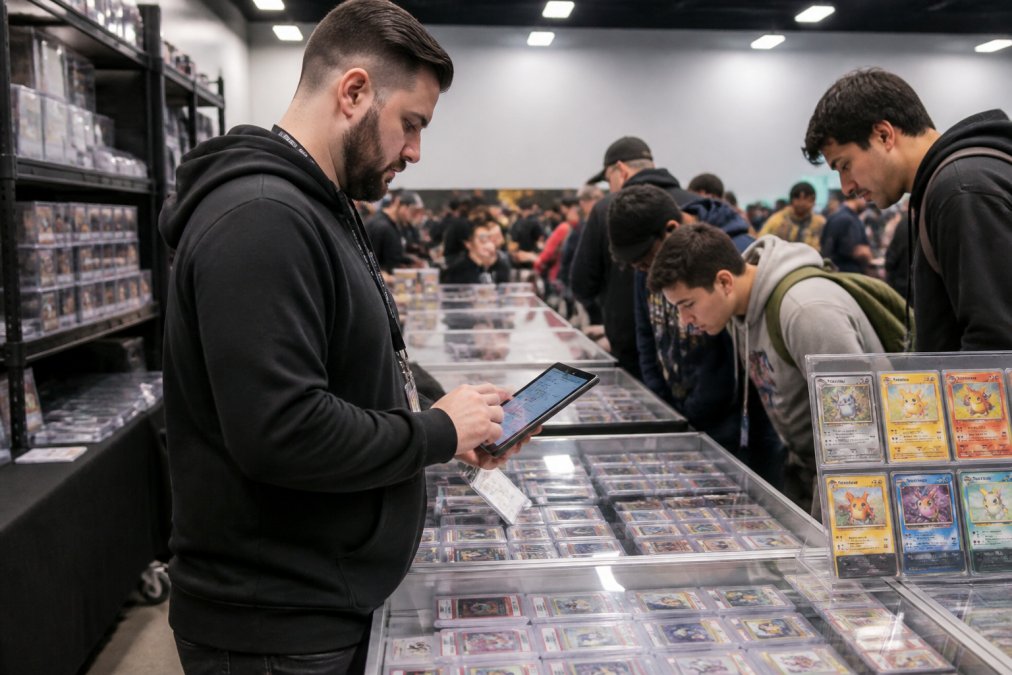
Finding the best card dealer inventory software 2026 has to offer starts with understanding what makes card dealers different from ordinary retailers. A card dealer inventory system is a specialized tool that tracks trading card stock, manages pricing across marketplaces, and reports profit per event. At Card Show Vendor, we built ours for exactly this problem: event-scoped inventory, live pricing, and profit tracking that holds up in a packed booth.
Here's the short version before the details:
| Software | Starting Price | Best For | Standout Feature |
|---|---|---|---|
| Card Show Vendor | Contact for pricing | Card show vendors and event dealers | Event-scoped inventory with multi-user attribution |
| Slabfy | Contact for pricing | Sports card dealers | Card-specific operational workflows |
| Zoho Inventory | $59/month | Multi-channel online sellers | Marketplace integrations |
| Lightspeed Retail | $119/month | High-SKU retail shops | Advanced POS and reporting |
| Clover Retail | $29.95/month | Small retail stores | Hardware-backed POS |
Card Show Vendor: Built for Event-Day Card Dealers
The honest limitation: it's built for the show floor, not for running a full ecommerce storefront. If your business is 90% online listings, pair it with your marketplace tools rather than replacing them.
Slabfy: Sports Card Inventory Management App for Dealers
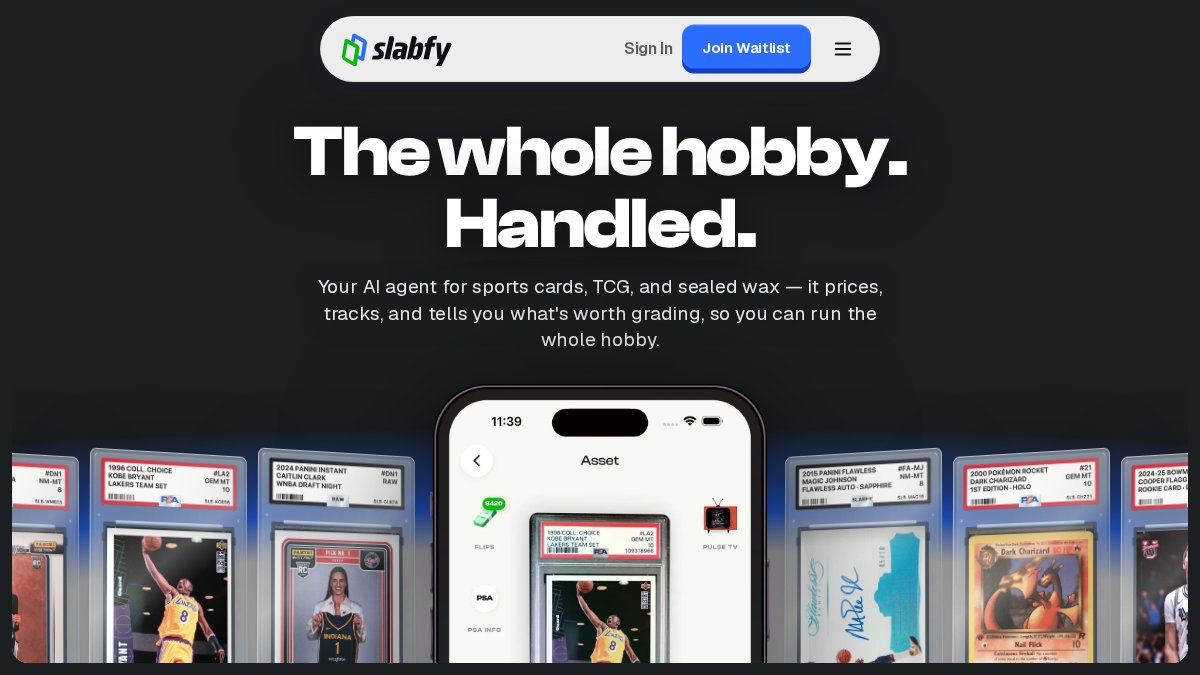
Slabfy positions itself as an all-in-one operations platform for sports card dealers, and that specialization shows. Inventory management is centralized, workflows are built around dealer tasks rather than generic retail, and it integrates with major card marketplace platforms.
Zoho Inventory: Affordable Multi-Channel Stock Tracking
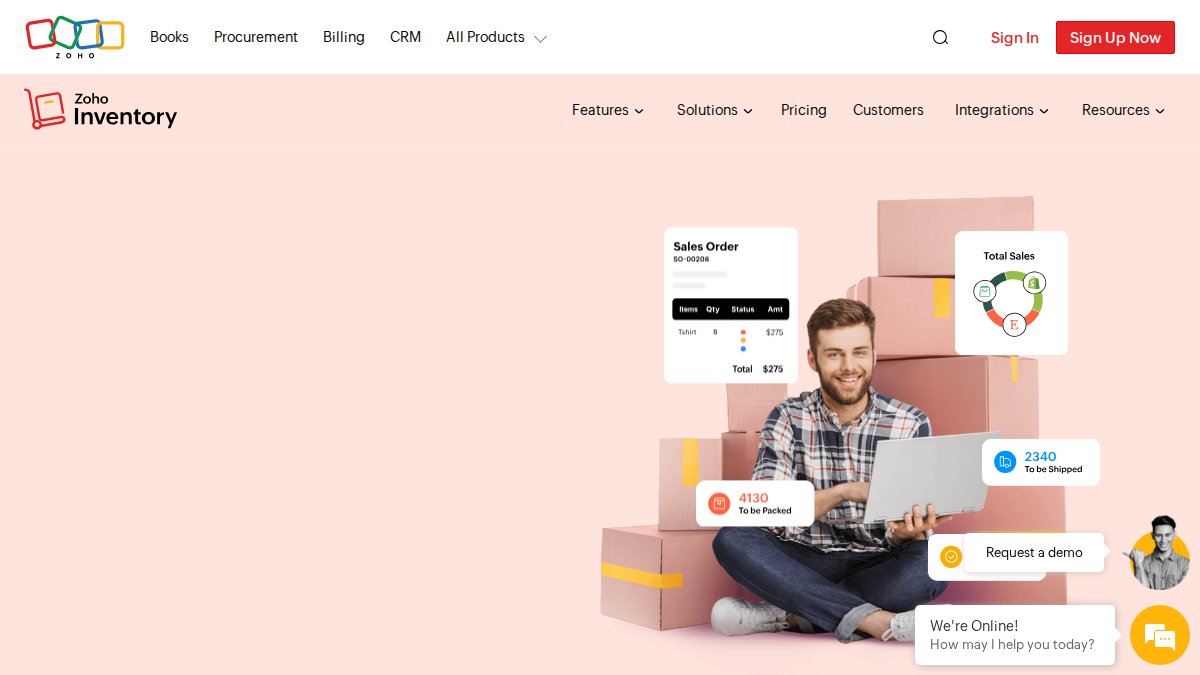
Zoho Inventory is a cloud-based inventory management system that syncs stock across sales channels, with integrations for marketplaces like Amazon, eBay, and Shopify. Starting at $59/month, it's the most affordable multi-channel option here, and it includes automated reorder notifications and barcode scanning.
Lightspeed Retail: High-SKU POS and Inventory Control
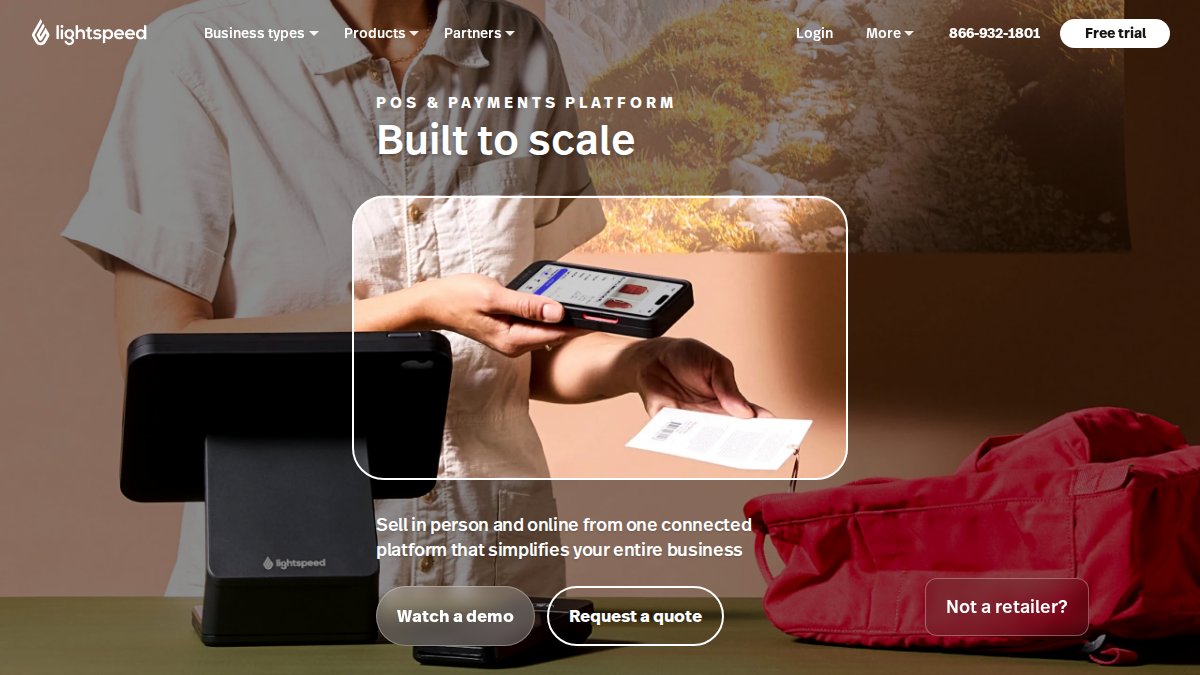
Lightspeed Retail is a POS and inventory platform built for retail environments with large catalogs, and card shops with deep singles inventory fit that description. It unifies POS and inventory in one catalog, offers multi-store synchronization, and its reporting is genuinely strong.
Clover Retail: Hardware-Backed Inventory for Small Shops
Clover Retail pairs a POS system with integrated hardware, and its inventory tracking is solid for a small storefront. Plans scale by business size, starting around $29.95/month, and real-time stock tracking comes standard.
Sports Card Profit and Loss Tracking: What to Look For
Sports card profit and loss tracking is the difference between knowing your revenue and knowing your margin. A revenue number tells you a show was busy. A P&L tells you whether it was worth the table fee, travel, and hours.
Why Card Dealers Have a Harder Cost-Basis Problem Than Retailers
A retail store buys a widget for $8 and sells it for $20. The math is trivial. A card dealer's reality looks more like this:
- Collection buys. You pay one lump sum for 4,000 cards. No single card has a clean purchase price until you allocate the lump sum across the lot, and the allocation method you choose (by estimated market value, by count, by category) changes your reported margin on every subsequent sale.
- Breaks and box rips. You buy a case for a fixed price, open it, and now own 200 singles plus bulk. The cost basis of each hit has to be derived, not read off a receipt.
- Trades. A trade has no cash cost basis at all. You gave up Card A to get Card B. If the software only records cash purchases, every traded card shows as pure profit, which inflates your margin and hides losing trades.
- Grading and submission fees. Sending a raw card to a third-party grader adds a real, per-card cost that most inventory tools have no field for. If grading fees aren't captured at the item level, your slab margin is overstated.
- Consignment and booth splits. When you sell on behalf of another collector or split a booth, the payout to the consignor is a cost of goods, not a sale.
What to Look For in Card-Specific P&L Software
Look for these capabilities, in roughly this order of importance:
- Per-event reporting. Each show stands on its own, including table fee, travel, and lodging if you want a true net. A weekend that looks profitable on gross sales can be a loss after a $400 table and a hotel night.
- Item-level cost basis with lot allocation. You need a way to enter a collection buy as a single expense and then assign basis to individual cards as you list them.
- Trade support. Trades should record both the outgoing and incoming card at their respective basis values, so neither side is treated as free money.
- Grading fee fields. A per-card cost field for submission fees, shipping to the grader, and any reholder or crossover costs.
- Channel-aware reporting. The same card sold on a marketplace, at a show, or in a trade should roll up into one margin view, not three disconnected spreadsheets.
- Exportable records. You own your pricing and cost history if you ever switch tools. CSV export is the minimum; a full transaction log is better.
A Simple Test Before You Buy
Run one show on your current system and one show on the candidate software, then compare the two P&L statements line by line. If the software can't produce a per-event net that includes cost basis, table fees, and grading costs, it isn't a card-dealer P&L tool, it's a sales log. That distinction is the whole point of the category.
Multi-User Inventory Management for Card Shows: Team Features
Multi-user inventory management for card shows comes down to one question: can two people sell from the same inventory at the same time without double-selling? If the answer is no, you have a problem the moment your booth gets busy.
The Show-Floor Problems Generic Software Doesn't Solve
- Offline-first sync. Venue Wi-Fi drops. A system that requires a live connection to record a sale will either block the transaction or lose it. The right architecture lets each device keep selling locally and reconciles when connectivity returns, without creating duplicate inventory records.
- Double-sell prevention across devices. If two team members both pull up the same card and sell it, the second sale has to fail or flag immediately. This requires a shared inventory state, not per-device copies that sync later.
- Attribution for split profits. When two dealers share a booth and split proceeds, every sale needs to be tied to the person who made it. Attribution isn't a reporting nicety, it's the settlement record.
- Permissions that match booth roles. A weekend helper shouldn't be able to reprice a four-figure slab or delete inventory. Role-based permissions (sell-only, sell-and-price, full admin) prevent the most expensive mistakes.
- Trade and buy-in logging by user. Trades and cash buys at the table also need attribution, or your end-of-show reconciliation won't balance.
What to Look For
| Capability | Why It Matters at a Show |
|---|---|
| Offline-capable selling | Venue networks fail; sales can't |
| Shared live inventory | Prevents double-selling across devices |
| Per-user attribution | Required for splits and staff pay |
| Role-based permissions | Protects high-value inventory |
| Event-scoped catalogs | Each show gets its own stock and pricing |
| Exportable transaction log | Settlement and tax records |
How This Differs From a Store POS
For dealers weighing a jump from spreadsheets, the honest answer is that the ROI depends on your volume. High-volume dealers lose real money to pricing lag and missed sales. Lower-volume dealers may not feel it yet. The way to know is to track one show manually and one with software, then compare the margin, and specifically compare how many sales you can attribute to each person.
Frequently Asked Questions
What is the best inventory management software for trading cards?
The best choice depends on your sales channels. For card show vendors who need event-scoped tracking and multi-user support, Card Show Vendor is purpose-built. For online-only sellers, Slabfy handles marketplace integration. General tools like Zoho Inventory work if you sell across many platforms but lack card-specific fields like grading and condition. Match the software to where you actually sell.
How do I track profit and loss for a trading card business?
Track cost basis per card at purchase, then record every sale with fees and shipping deducted. Software with built-in sports card profit and loss tracking automates this by linking inventory records to transactions. Look for reports that show margin by event, by card category, and by team member. Manual spreadsheets work until volume grows, then errors compound quickly.
What features should a card dealer look for in inventory software?
Prioritize real-time stock tracking, condition and grading fields, marketplace sync, and multi-user access with attribution. Card-specific features like batch tracking for sets and bulk listing tools save hours at scale. Also check pricing transparency and whether your data exports cleanly if you leave. A tool that fits your sales mix beats a feature-heavy platform you never fully use.
Is there inventory software that supports multi-user team access?
Yes. Multi-user inventory management for card shows is a core feature in Card Show Vendor, which covers up to six users under one subscription with sales attribution per person. General retail platforms like Lightspeed and Clover offer multi-user logins but charge per additional register or user. If your booth runs with a partner or staff, confirm user limits and attribution before committing.
How does real-time pricing integration work for card dealers?
Real-time pricing pulls current market values from sources like TCGPlayer or eBay sold listings and updates your inventory records automatically. This prevents selling a card below market during a busy show. Not all software supports live price feeds; some require manual updates. If you deal in volatile singles, prioritize tools with native pricing sync over those needing spreadsheet imports.
Running a card booth means juggling pricing, stock, and a line of customers at once, and generic retail software wasn't built for that. Card Show Vendor handles it with event-scoped inventory management, live pricing updates, and multi-user support with attribution, all under one subscription for up to six users on web and iPad. Get started with Card Show Vendor and walk into your next show knowing exactly what you have and what it's worth.